Top 7 Gmail CRMs for closing deals directly from your inbox
 By David Nge | Last Updated: February 12, 2026
My work is supported by affiliate commissions. Learn More
By David Nge | Last Updated: February 12, 2026
My work is supported by affiliate commissions. Learn More
Most CRMs are built for enterprise sales teams with dedicated ops people to configure them. If you're running a small business or startup, that may be an overkill.
You need something that works where you already are.
If most of your sales conversations happen in Gmail, then you should check out these Gmail CRMs (or CRM with gmail integration) to manage your inbound leads.
While the CRM market is saturated, my research found these to offer the best value, are the simplest to set up, and have the right mix of features without overcomplicating the sales process.
Let's dive right in.
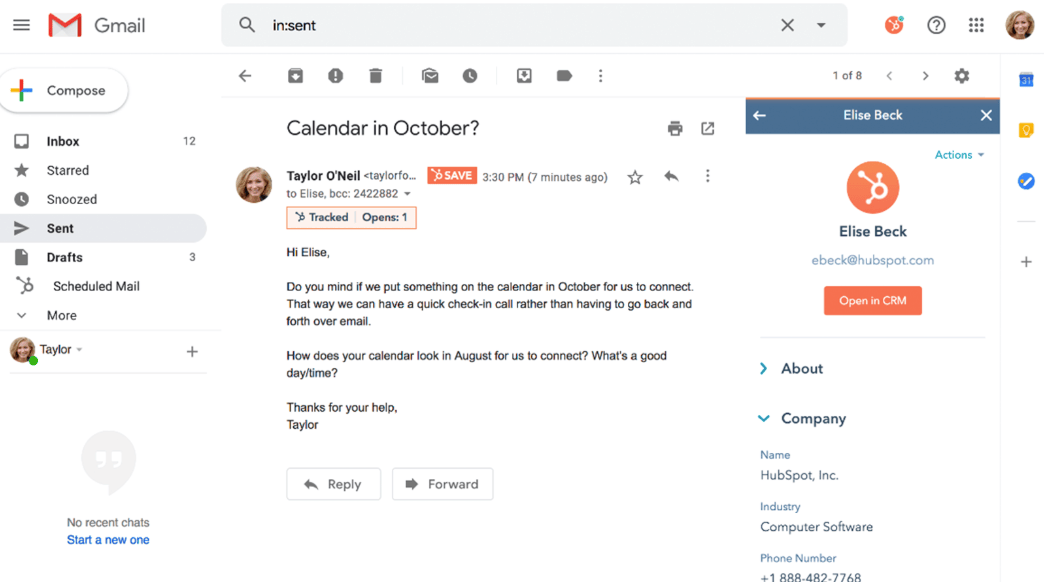
Hubspot's Gmail integration (built by Hubspot themselves) has evolved from a simple tracking sidebar to now allowing you to see the lead's full history, use email templates, and even track "opens" in real-time.
When you open an email, the sidebar pulls in the contact’s entire history (website visits, past tickets, and deal stages) directly from your Hubspot account.
Now with their push for AI integration, you have a "Breeze assistant" that lives in your Gmail. It can scan your entire CRM history with a lead to draft a personalized response that references your last conversation.
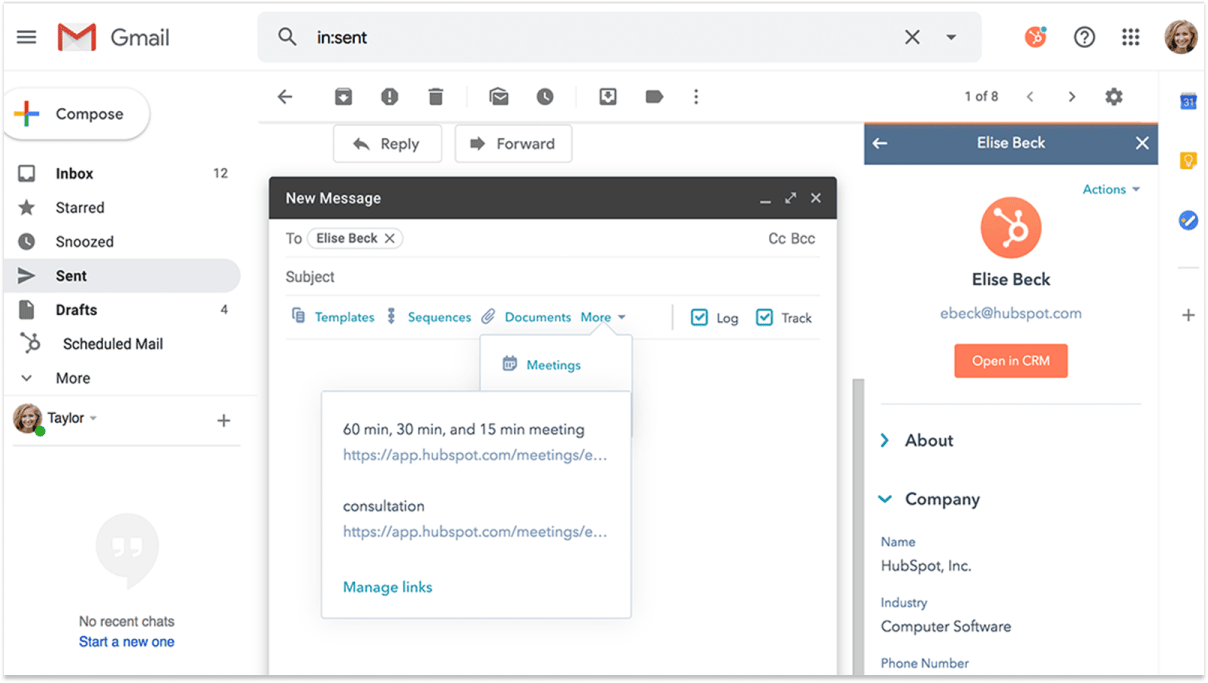
You can also use HubSpot’s sales templates and email scheduling from within Gmail.
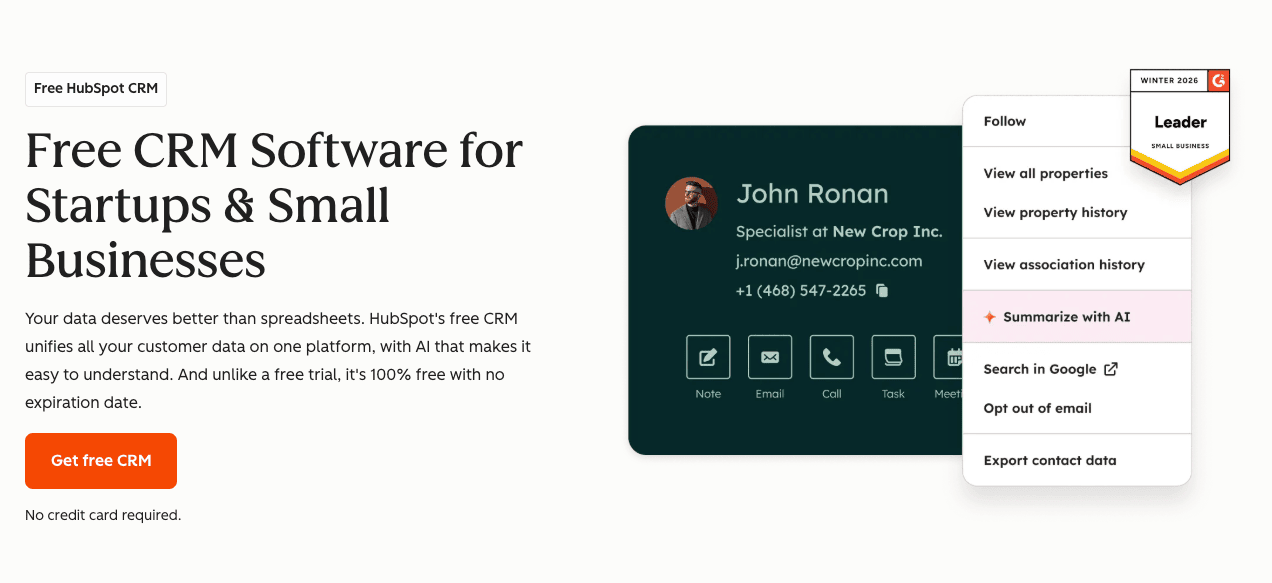
If you are on a budget, HubSpot offers great value on their free CRM plan.
Learn more about Hubspot free CRM
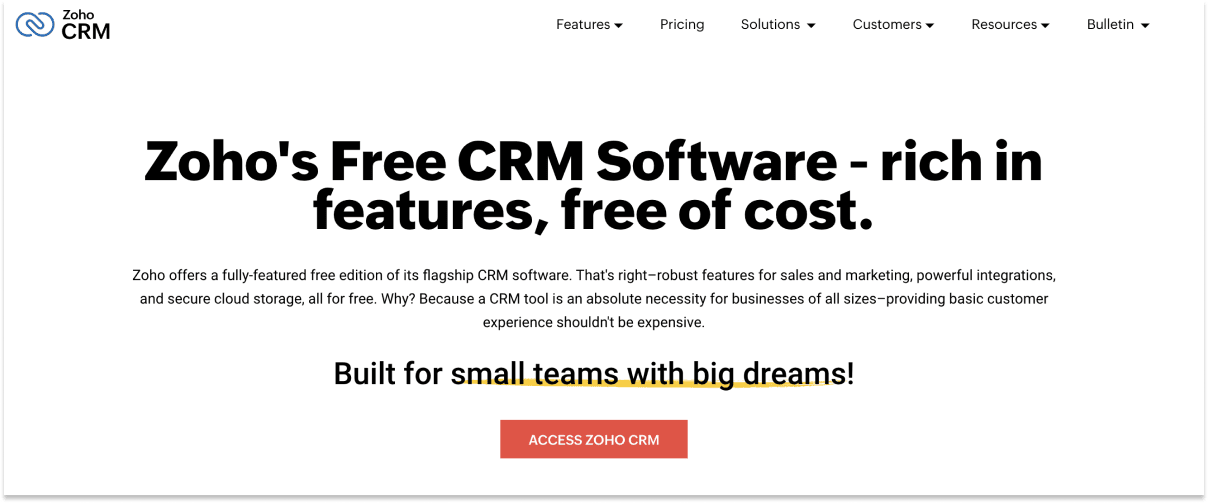
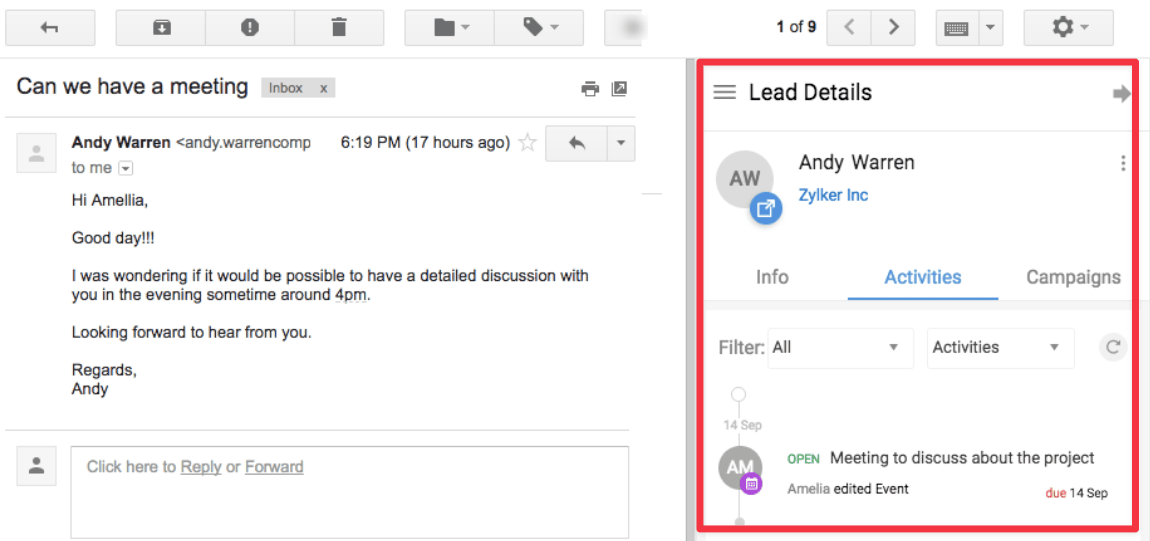
Zoho CRM is part of the massive Zoho ecosystem — a suite of 55+ business applications covering everything from accounting to HR. It's one of the most feature-rich and affordable CRMs on the market, and it offers Gmail integration (connected through workspace) sidebar add-on.
When you open an email, the Zoho sidebar shows the sender's full CRM profile —
contact details, deal history, past interactions, and associated tasks. If the sender isn't in your CRM yet, you can create a new lead or contact with one click.
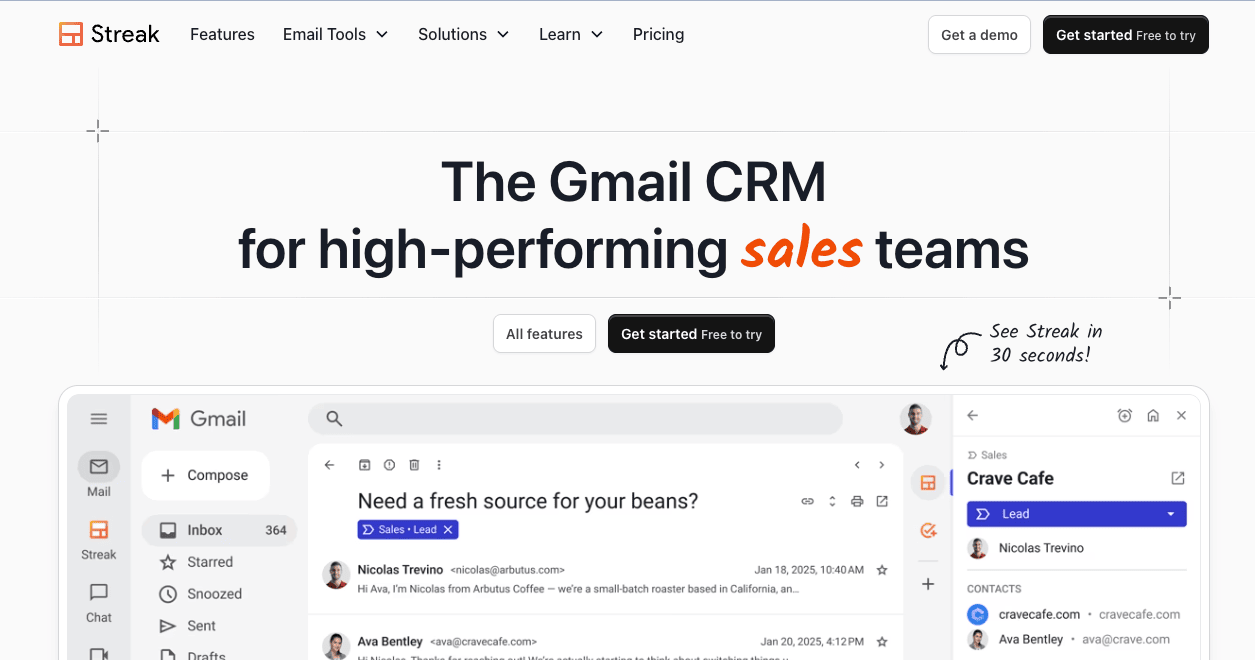
Streak is built directly into the Gmail interface, make it the ideal CRM if you want to manage customer and project pipelines without leaving your inbox.
It adds a "Pipelines" section to your Gmail sidebar. And from there you can manage deals, track emails, and see a contact's history.
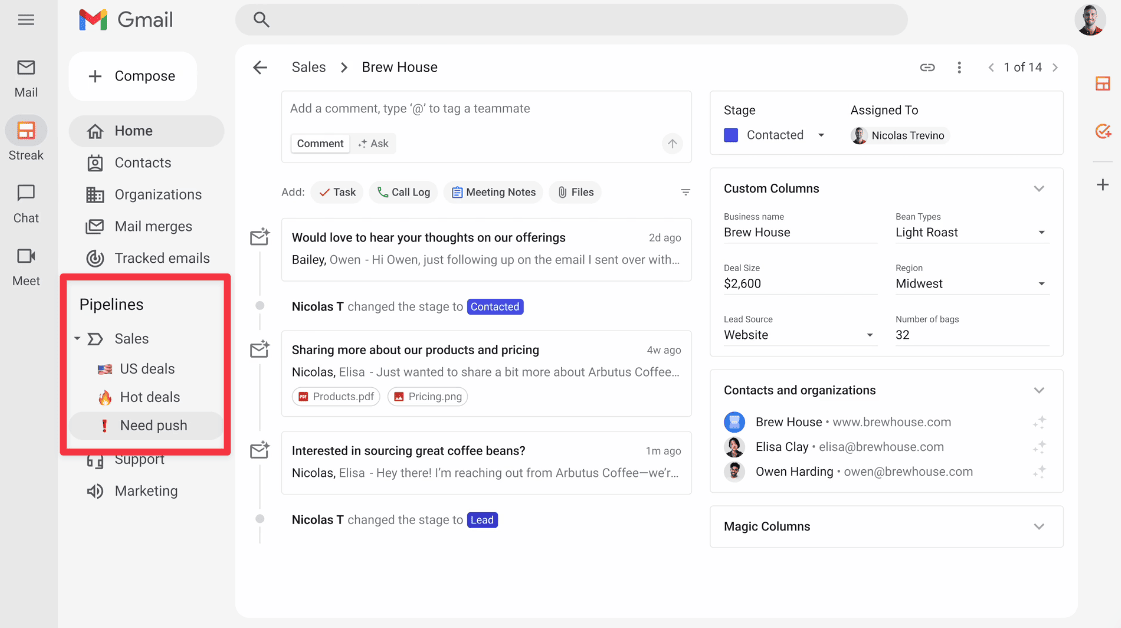
Streak also integrates with other Google products. For example, if you have a Google Meet calls with your client, there's an AI Meeting Notes that automatically summarize your call and attach them to the relevant Gmail thread.
There's free plan for individuals, but Pro plans (with core CRM features and pipelines) start at $49 per user/month.
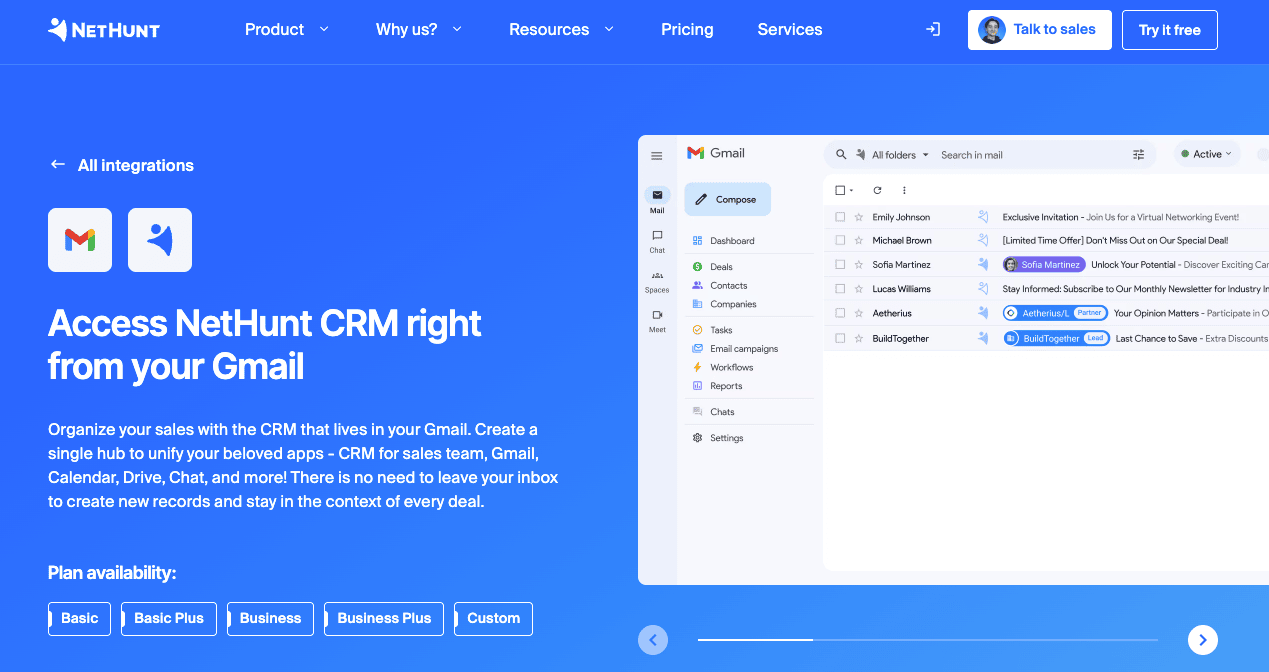
NetHunt CRM is built directly inside Gmail. If your team already runs on Google Workspace, NetHunt feels like a natural extension of the tools you already use every day.
Once you install the Chrome or Safari extension, your inbox will have access to:
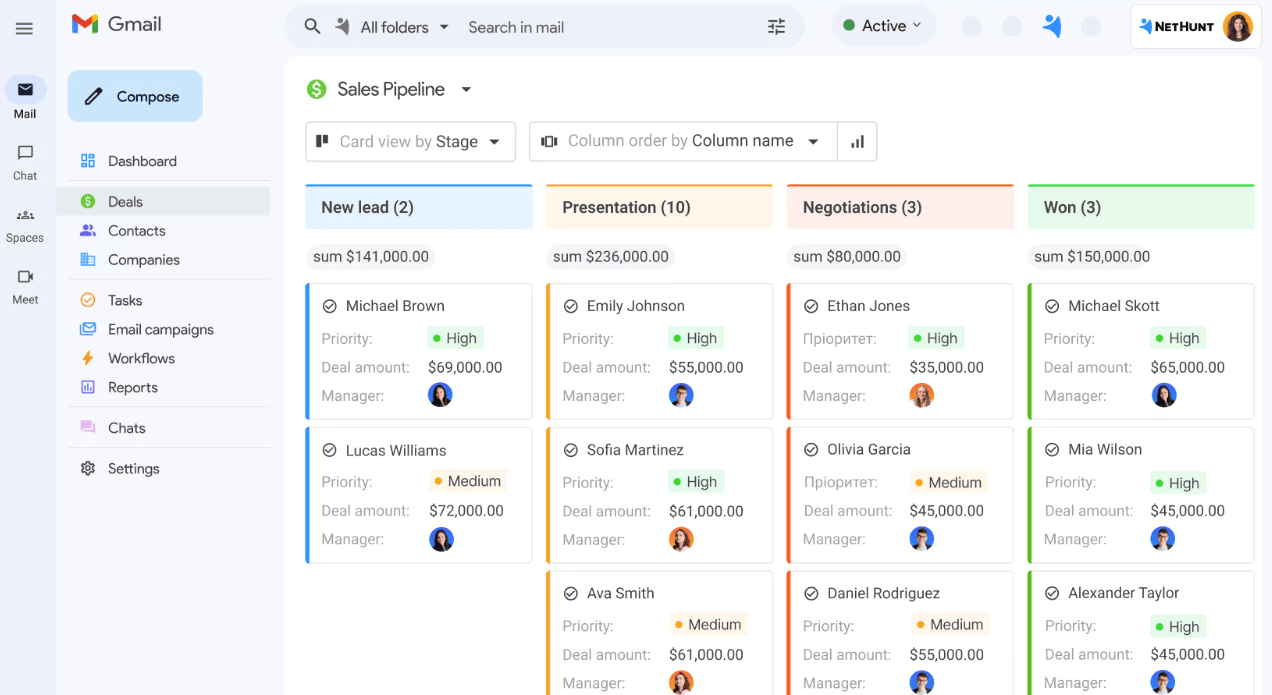
NetHunt's biggest advantage is the depth of its Gmail integration. Pricing starts at $24/user/month (billed annually). A 14-day free trial is available, and startups under 3 years old can apply for 75% off the Business plan for the first year.
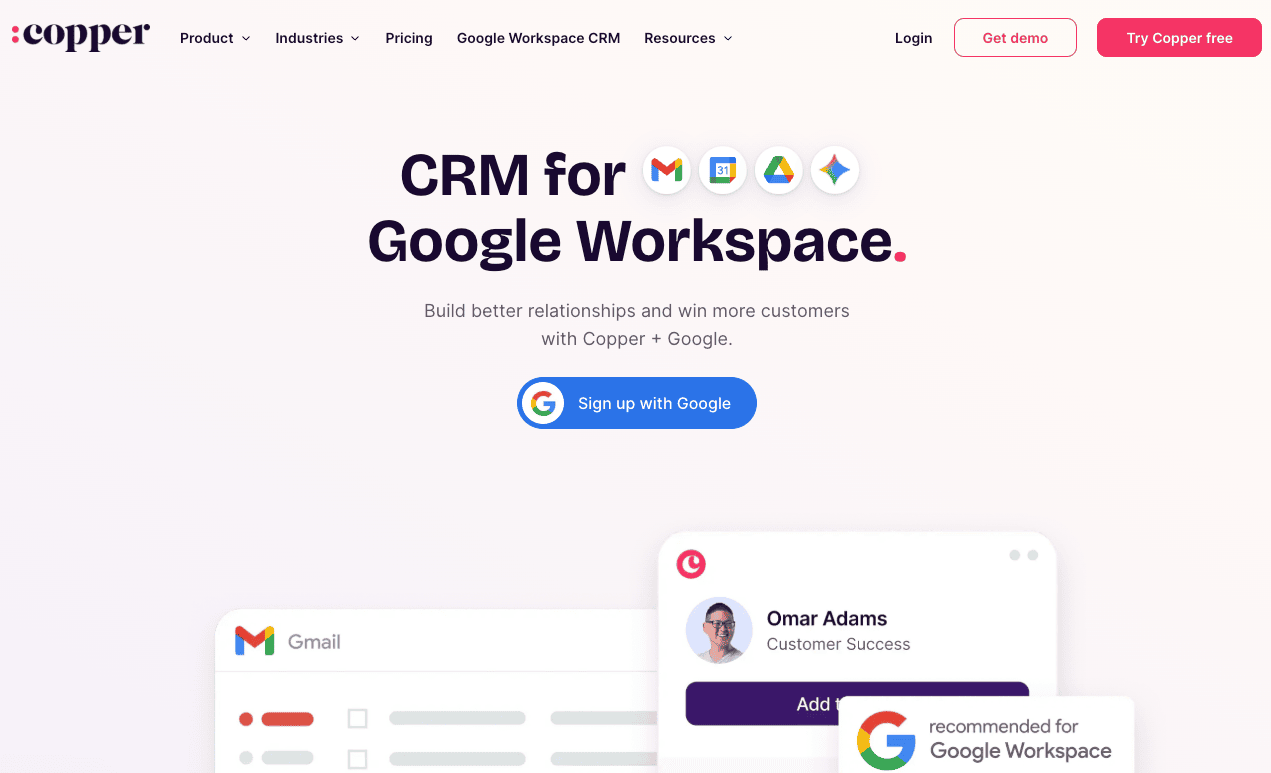
Copper was specifically built for Google Workspace. How it works is that it uses a Chrome extension that mirrors the look and feel of Google’s own apps.
On top of syncing your email, it also syncs with your Google Drive files, Calendar invites, and even Google Slides presentations to the contact record.
It offers features like lead tracking, project management, and workflow automation directly in Gmail.
Copper is mostly favored by teams who want a CRM closely integrated with their email and documents, offering a seamless workflow.
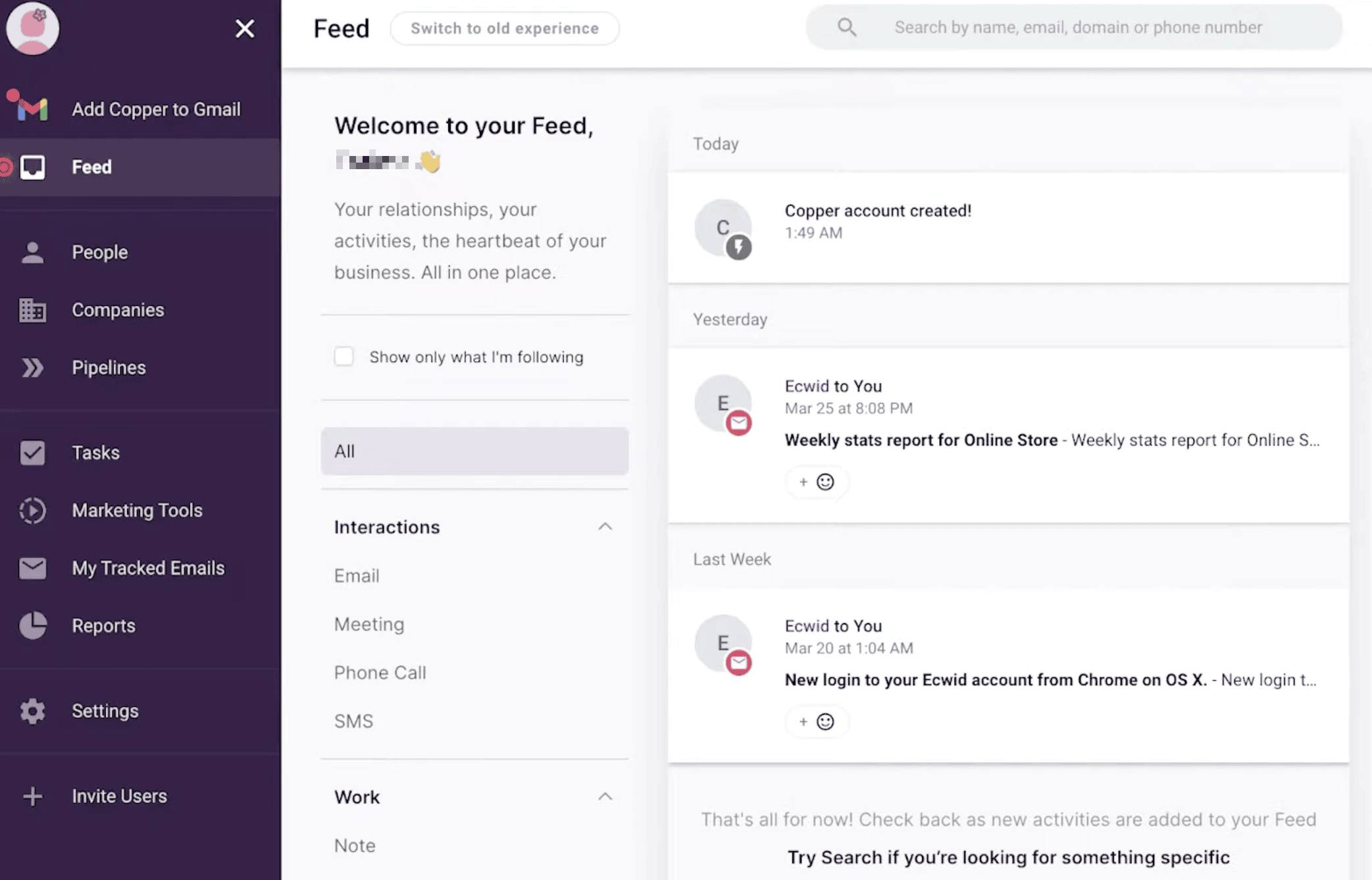
Since Copper is directly integrated into Google workspace, you can use it to view and update CRM data without leaving your inbox. You can manage leads, projects, and tasks, as well as track email opens and set follow-up reminders right from Gmail.
Folk stands out for its simplicity and modern UX. If your team has tried heavyweight CRMs like Salesforce and found them overwhelming, Folk is the opposite experience. It's faster, cleaner, and easier to learn.
Once Folk connects to your Gmail account, it pulls in your conversations and attaches them to the right contact records, which then allows you to
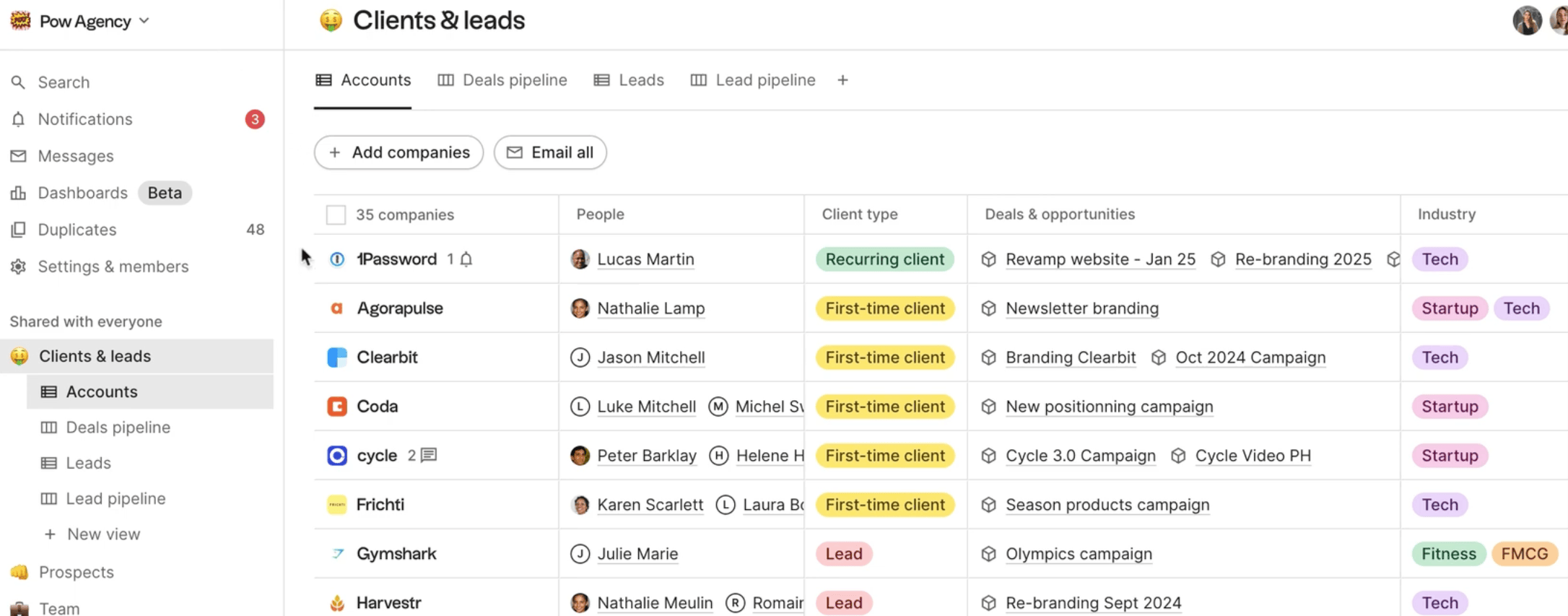
Folk also uses AI to automatically fill in missing contact details like phone numbers, company info, and social profiles so your database fresh without manual research.
Its multi-channel approach is a strong point. On top of Gmail, it also connects
natively to LinkedIn, WhatsApp, and over 6,000 other social tools, making it a strong recommendation for teams who prospect and communicate across multiple channels.
The downside, however, is that Folk's email features come with usage limits (2,000 emails/month on Standard, 5,000 on Premium), and it lacks the deep sales automation that NetHunt or Salesflare offer.
It's best for teams who value relationship management and simplicity
over complex workflow automation.
Pricing starts at $20/user/month. There's no free plan but every paid plan comes with 7-day trial period.
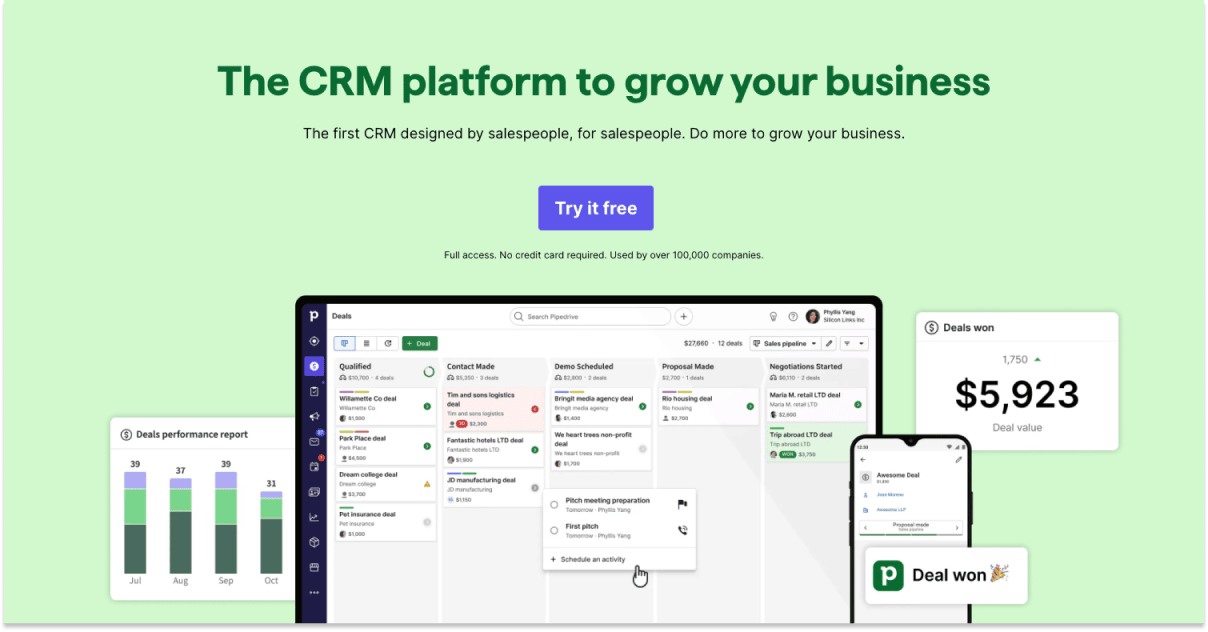
Pipedrive is known for their visual pipeline management. As the name suggests, they focus on pipeline management and sales tracking.
Its simple, visual approach to managing sales processes makes it ideal for businesses wanting a straightforward, no-frills CRM system.
Pipedrive is popular among small to medium-sized businesses that focus on sales processes. Their end users are typically sales teams looking for a visual and intuitive way to manage deals.
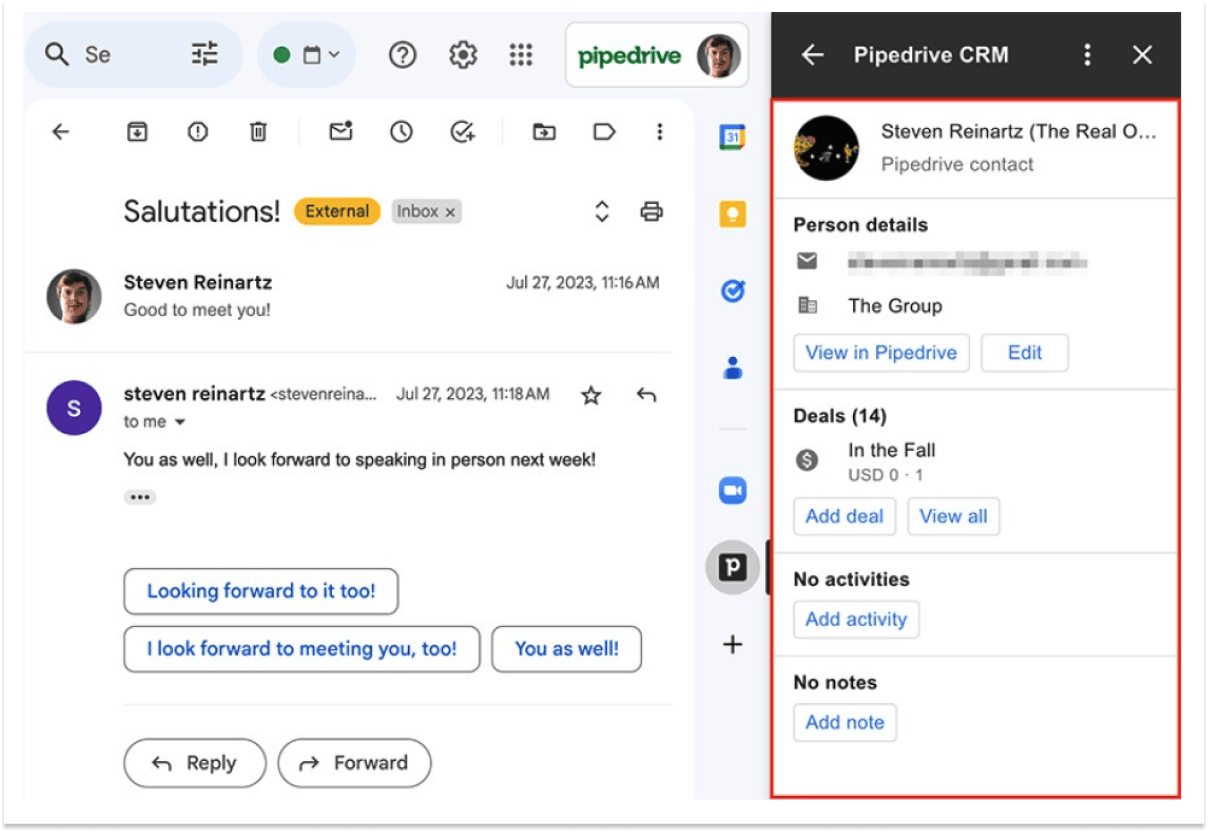
Pipedrive's Gmail integration allows sending, receiving, and syncing emails from Gmails. You can track email interactions and have emails automatically linked to deals and contacts in Pipedrive.
Integrating a CRM with Gmail streamlines your workflow by bringing customer communications and management into one platform.
It simplifies tracking leads, managing follow-ups, and ensures your contacts and email histories are easily accessible.
Yes, CRMs like Copper that integrate with Gmail are also compatible with other Google Workspace tools.
This means you can synchronize your Google Calendar, attach files from Google Drive, and more, directly within the CRM
These CRM platforms adhere to and comply with standard privacy regulations like GDPR.
They typically use encryption for data transmission and storage, and offer various user permission settings to control access to sensitive information.
CRM integration can significantly enhance email marketing by allowing for the segmentation of contacts based on their interactions and history.
This leads to more personalized and targeted email campaigns, higher engagement rates, and better tracking of campaign effectiveness.
The cost varies widely. Some CRMs like Hubspot offer generous free plans, suitable for small businesses or individuals, while premium plans with more features can range from modest monthly fees to higher prices for enterprise-level solutions.
David Nge is the founder and writer behind MakingThatWebsite.com. Since launching in 2021, he’s been on a mission to help non-techies—especially small business owners—build better websites using easy-to-learn tools and smart, time-saving strategies. He specializes in website builders, SEO, and practical AI tutorials for small business owners.
Have a tutorial you want to learn? Leave a suggestion here.