10 Free Platforms to Sell Profitable Digital Products
 By David Nge | Last Updated: January 16, 2026
My work is supported by affiliate commissions. Learn More
By David Nge | Last Updated: January 16, 2026
My work is supported by affiliate commissions. Learn More
Not free trials. Not "free for 14 days." Actually free forever, no credit card required.
If you're looking to sell ebooks, courses, design assets, music, templates, or any other digital product, you don't need to pay monthly fees to get started.
You don't even need your own website.
Below are ten platforms that let you sell digital products at no cost.
So what's the trade-off?
They take a small cut of each sale, so you only pay when you make money.
| Platform | Digital Products | Fees (per sale) | Ideal For |
|---|---|---|---|
| HubSpot (Free Marketing Hub) | Digital products, services, and memberships | 0.75% + Stripe fees (2.9% + $0.30) | Small businesses and creators looking for an all-in-one platform |
| Systeme | Courses, memberships, digital downloads | No transaction fees (Stripe/PayPal fees apply) | Creators who want to build websites, funnels, and memberships all in one |
| Kit | Digital downloads, paid newsletters | 3.5% + $0.30 (free plan) | Email-first creators and newsletter writers selling products |
| Payhip | All types incl. courses and memberships | 5% (Free plan) | Digital product entrepreneurs |
| Klasio | Online courses & digital downloads | 0% (Free plan) | Course creators |
| Big Cartel | Digital or physical product | Free | Creatives who are just starting out |
| Creative Market | Fonts, graphics, templates | ~50% commission | Designers of digital assets |
| Ko-fi | Downloads, commissions, memberships | 0% (donations), 5% shop/memberships | Artists and creators with a following |
| Gumroad | Ebooks, music, software, courses | 10% + payment fees | New creators with few products |
| Lemon Squeezy | Software, subscriptions, licenses | 5% + $0.50 | Software and SaaS sellers |
HubSpot started as a CRM tool back in 2006, but their Free Marketing Hub has evolved into something genuinely useful for small businesses and creators.
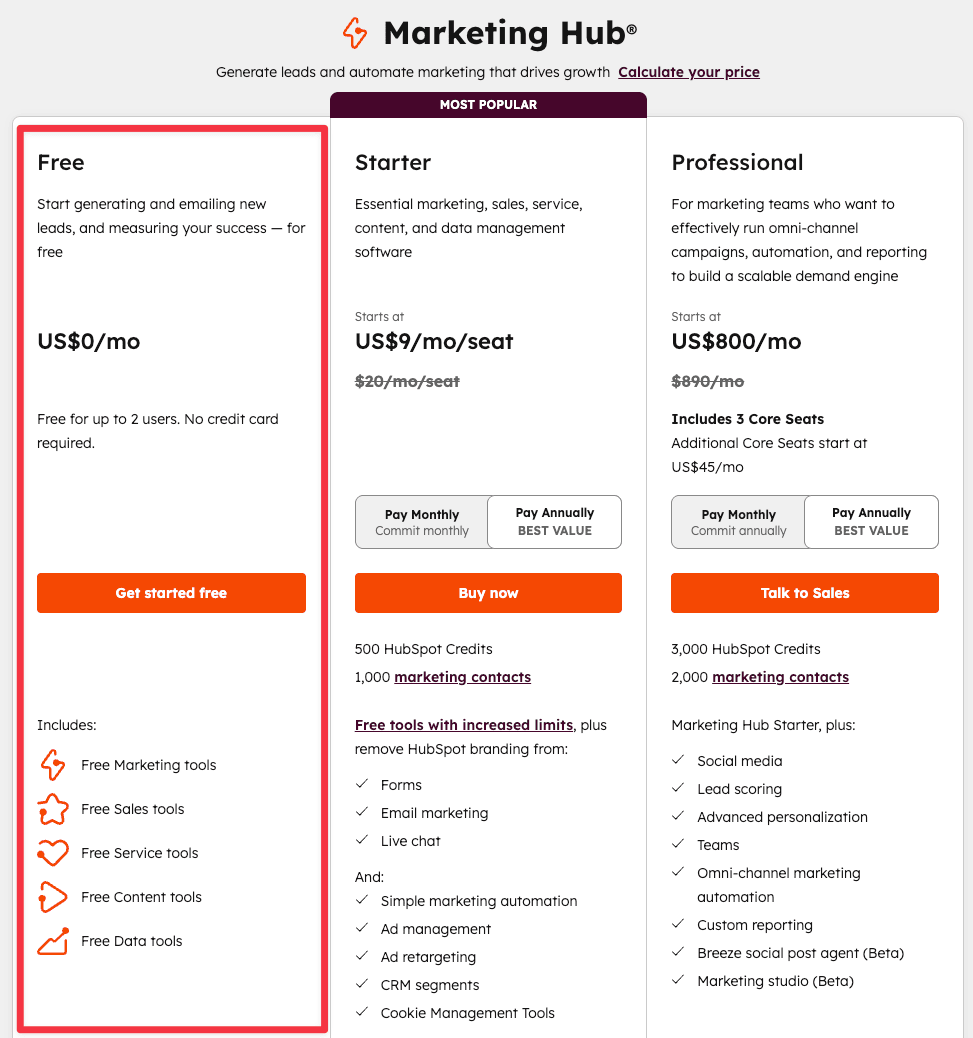
Here's what's included on the free plan:
Here are all the features included in Hubspot's free marketing hub
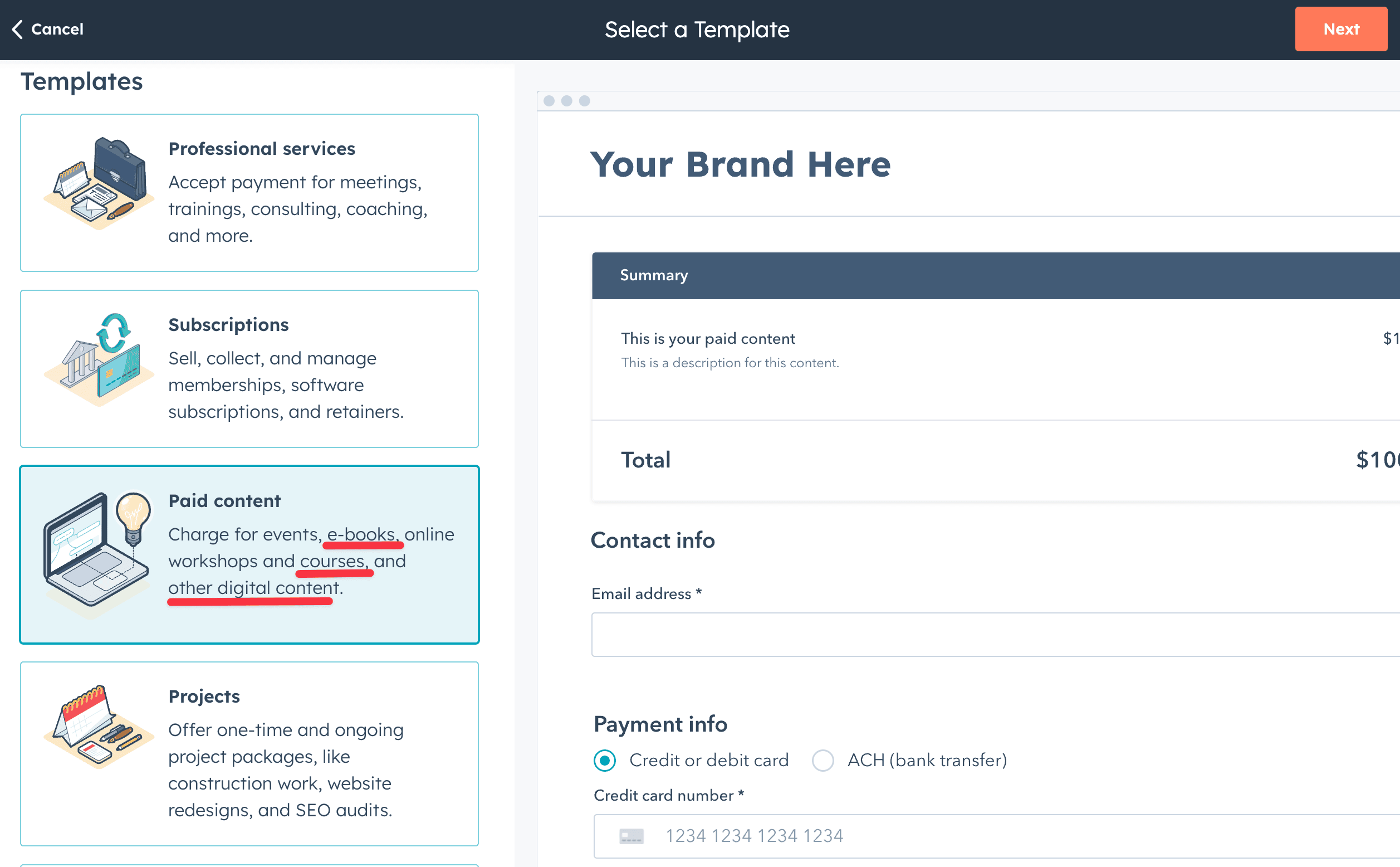
HubSpot's business model is to give you free tools hoping you'll eventually upgrade. That said, the free tier is generous enough to actually build something real.
HubSpot sends a daily payout email. Card payments hit your bank within two business days; ACH takes about three.
0.75% platform fee plus Stripe's standard 2.9% + $0.30 per transaction.
Systeme tries to replace your entire tech stack: website builder, email marketing, course platform, membership management, and sales funnels — all in one.
Their free plan includeds:
Connect PayPal Business or Stripe. Apple Pay, Razorpay, and Paystack are available in supported countries.
As of this writing, there's zero platform fees on the free plan. You're only limited by features, not transaction costs.
See what else are included in Systeme free plan
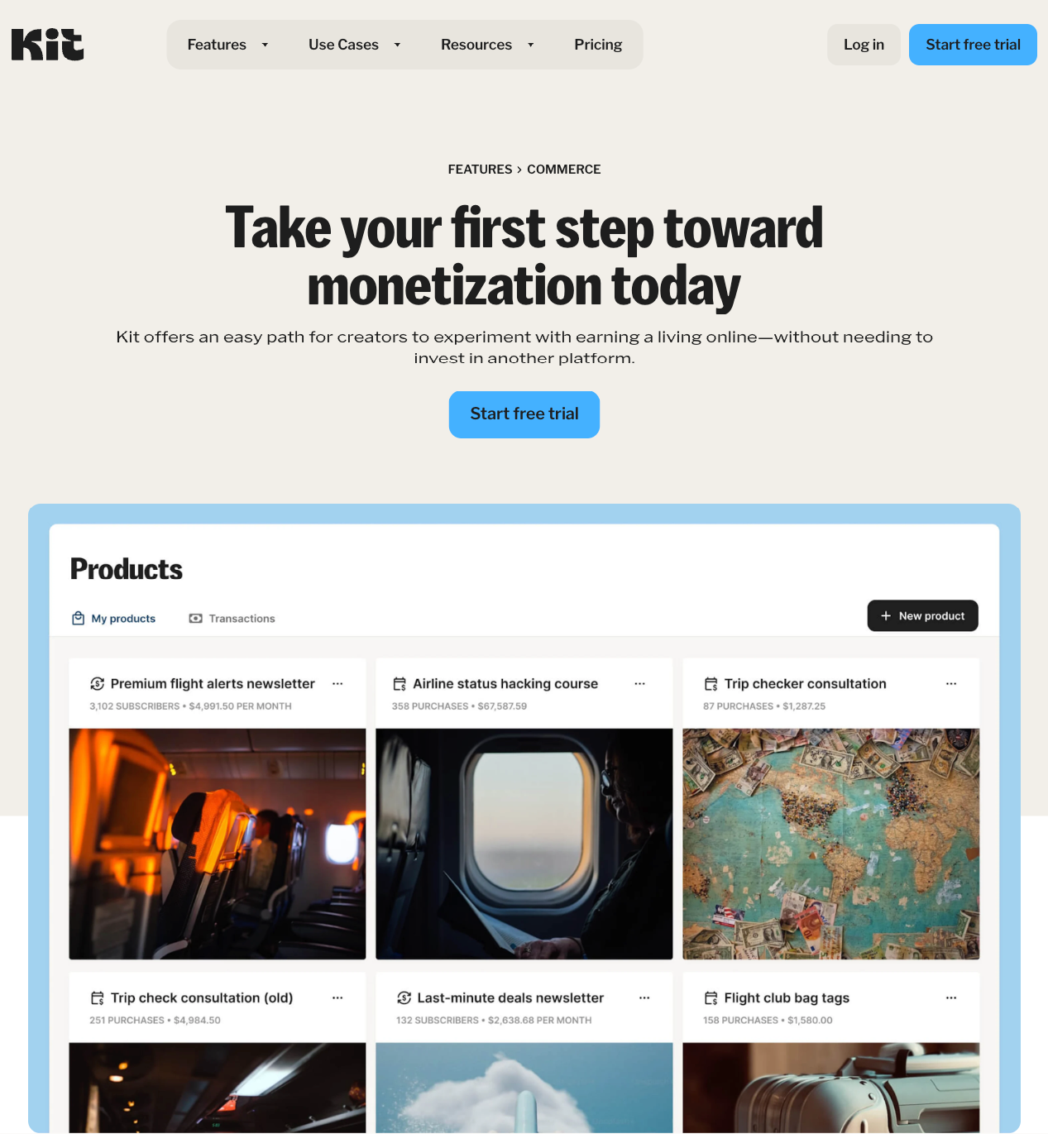
Kit (previously ConvertKit) launched in 2013 as an email marketing platform for creators. It's grown significantly since then.
The free plan gives you:
Payments are processed through Stripe and transferred to your bank every Friday. First payout takes 1-2 weeks after your initial sale.
3.5% + $0.30 per sale on the free plan. Paid plans reduce this to 0%.
Yes, though not all countries are support. Kit's eCommerce features are available to customers from the United States, Canada, Australia, the United Kingdom, Austria, and 40+ other countries.
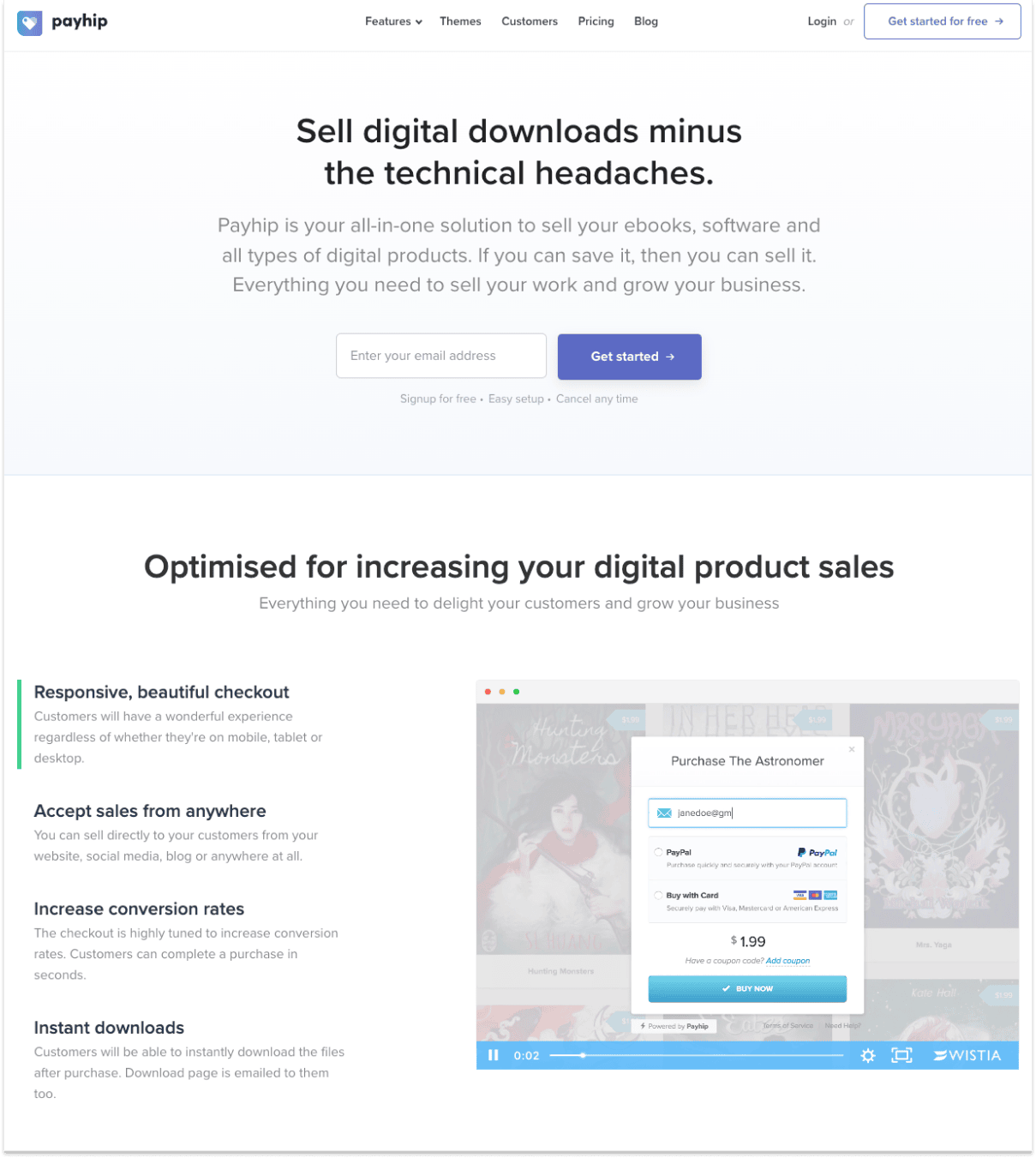
Payhip focuses on simplicity and minimal setup for creators.
When you create a course on Payhip (or any digital product for that matter), you'll automatically get a pre-made sales page that's easy to customize so you can start selling as soon as possible.
The free plan includes unlimited digital products with no revenue cap, and access to all features.
A few other details you should know:
Connect your PayPal or Stripe account to Payhip. Whenever you make a sale, Payhip will deposit the sales amount (minus the transaction fee) immediately after each sale
5% on the free plan. Paid plans reduce this to 0%.
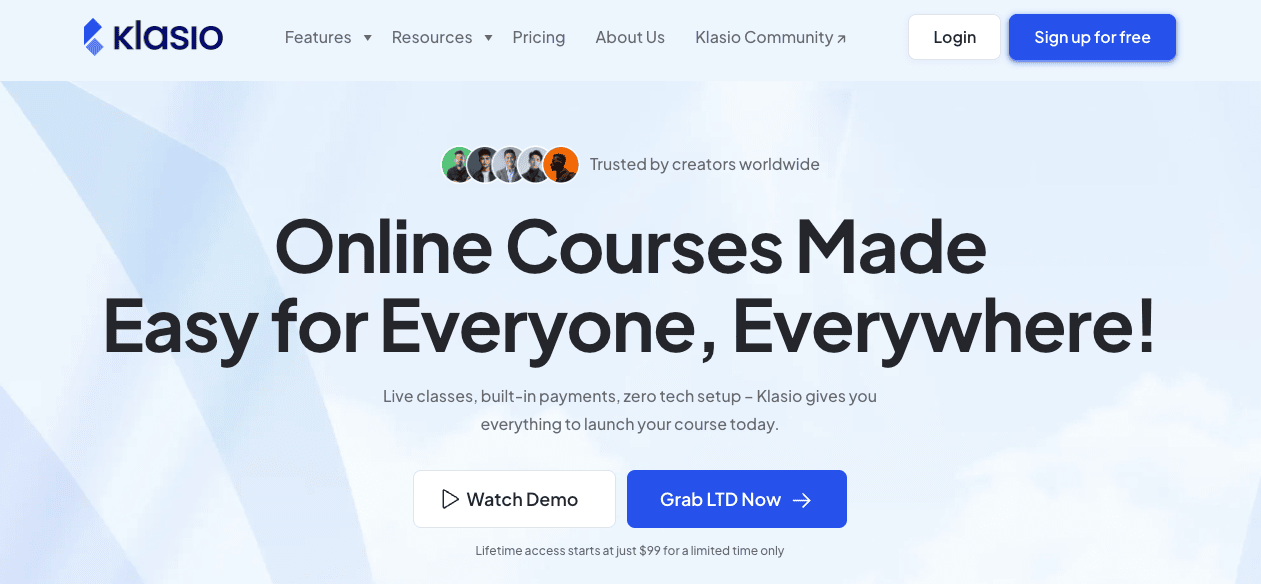
Klasio is newer to the course platform market but packs competitive features. They also offer something rare: lifetime pricing.
Free plan features:
Check out the full details on their site.
Lifetime pricing model is rare nowadays, everyone wants to charge a monthly subscription! So this is worth a shout out.
Klasio's lifetime plan unlocks unlimited courses, admins, instructors, and downloads — worth considering if you run a high-volume course business.
If you’ve moved beyond the solo creator stage and are building a team, then the lifetime plan could save you plenty in the long run.
Klasio lets you accept payments through Stripe and PayPal, which you can then transfer to your bank account. If you’re based in Bangladesh, bKash is also supported for easier local payouts.
Due to their unique pricing, Klasio's fee varies depending on the plan you're subscribed to:
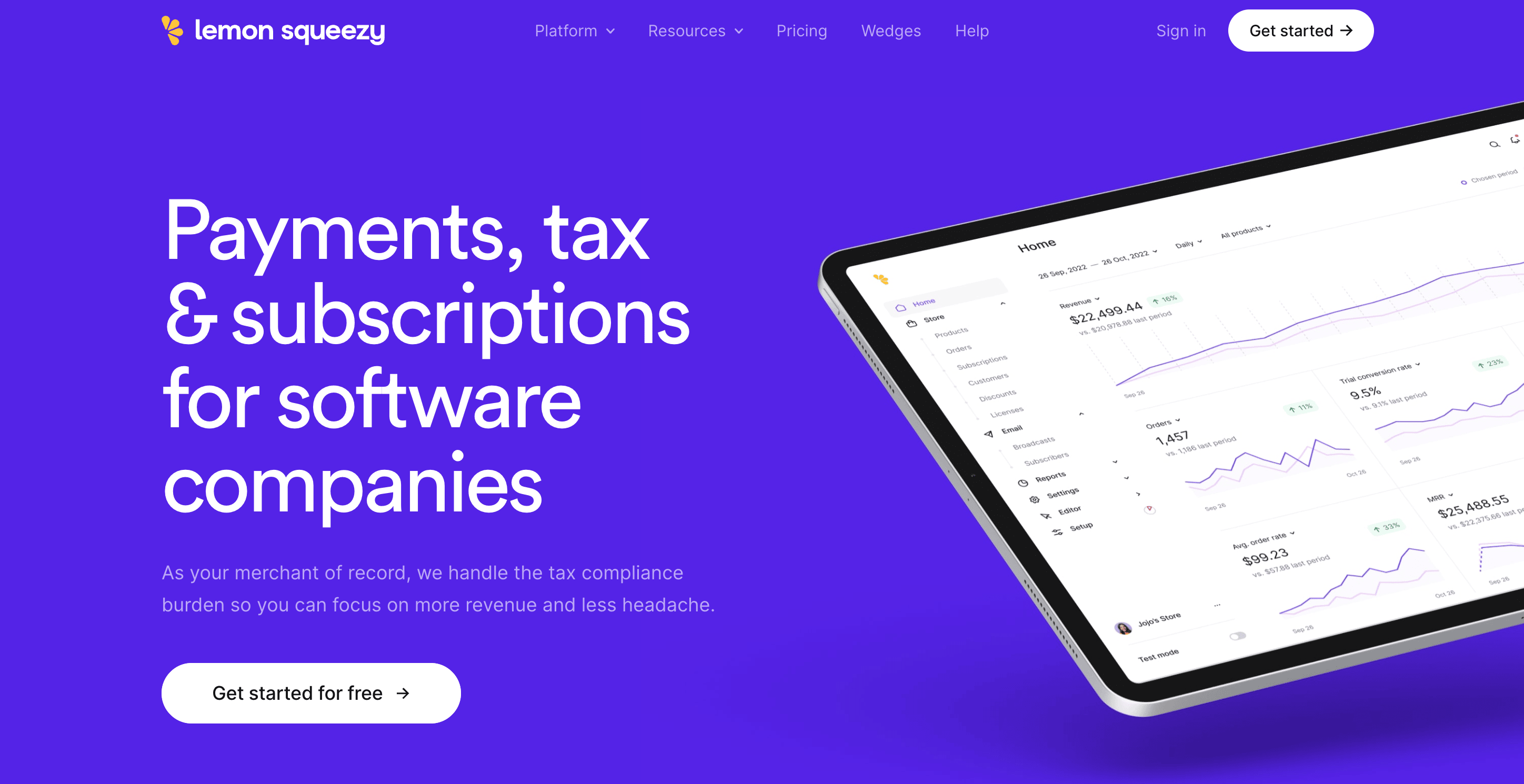
If you’re a developer (or not) selling software, or just want someone else to handle all that boring tax stuff. Lemon Squeezy is a cheap and easy platform you can use to sell your software.
While it’s relatively new on the scene (launched in 2021), Lemon Squeezy has become a popular store builder for indie creators and SaaS founders with a twist.
They're also your Merchant of Record.
That means they collect and file all the annoying global taxes (like EU VAT, GST, state taxes). So you can sell worldwide without spending your weekends reading up on tax codes in Belgium.
You also don’t pay a monthly fee to start but Lemon Squeezy takes 5% + $0.50 per sale, which covers everything — checkout, taxes, license keys, compliance, fraud protection.
It’s a very "done-for-you" approach.
Payouts go to your connected bank via Stripe or PayPal. US creators typically get paid within 1–2 business days. Non-US banks may take a bit longer and might incur a small payout fee.
Ever since Stripe acquired LemonSqueezy, they've reduced their fees (previously 5%) to:
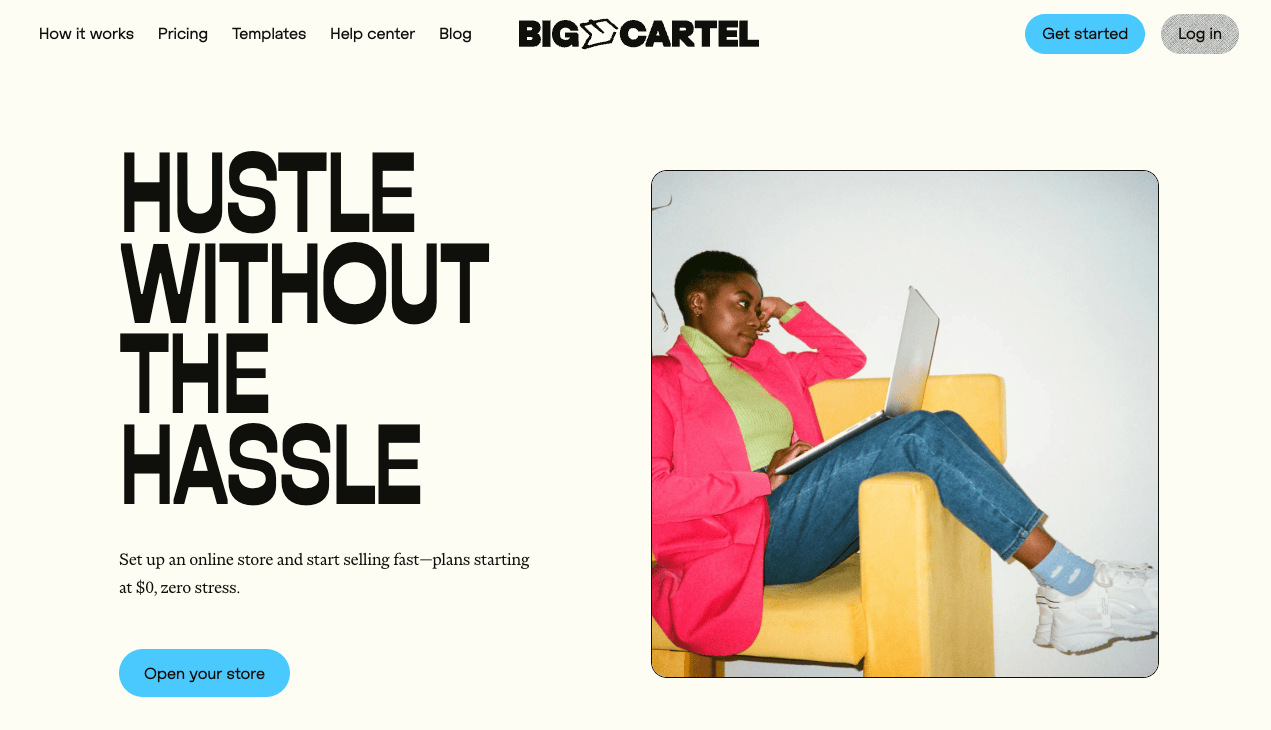
Don’t be intimidated by the name. Big Cartel is a beginner-friendly eCommerce platform for makers, artists, and creative professionals to set up a simple store and sell their products.
Big Cartel is inexpensive compared to alternatives like Shopify and BigCommerce. Its free plan, in particular, allows you to sell up to 5 products (digital, physcal, or both).
It also gives you various ways to set up a store with a few clicks, and you can set up different variations of products to sell.
Design wise, you can tell by their website templates. They’re unique, full of personality, and the layout is designed to highlight the artist’s creative work.
Each built-in theme has its own available set of customization options. It’s easy to upload a header, logo, or background image, add a slideshow, adjust color and font settings, and make other adjustments to your theme layout - no coding required.
Here are some great examples of Big Cartel stores:
Click here for more examples of BigCartel themes
Big Cartel provides 2 payment processors for your store: Paypal and Stripe.
With Stripe, you'll have access to other payment methods as well, such as Apple Pay, Google Pay, Affirm, etc. More details here.
If you choose Stripe, you can set your payout schedules, whether it's manual payouts, daily, weekly, or even monthly. Note that this is subject to your country's payout restriction that Stripe impose.
If you choose Paypal, however, the fund should arrive at your account immediately, which you can then transfer to your local bank account, which usually takes 3-4 business days.
Big Cartel do NOT charge any listing or transaction fees, but standard processing fees for Stripe and Paypal apply.
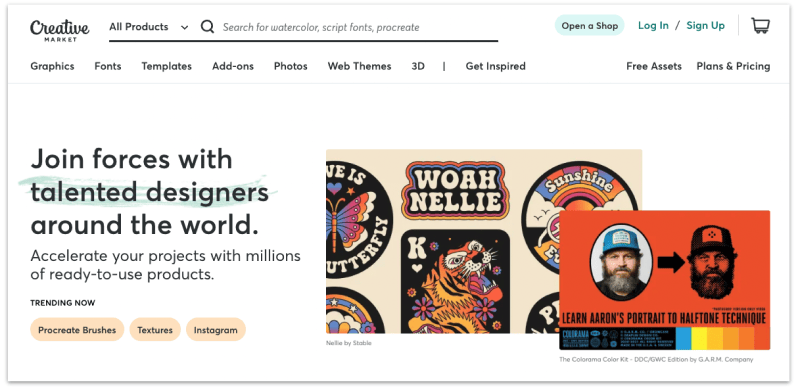
Creative Market is one of the largest marketplaces for independent creators to sell unique fonts, graphics, photos, website themes, icons, brushes, and more.
If you're a designer, artist, or creator and you want to earn a side income by selling digital products online, Creative Market is a good place to start.
Why?
Because Creative Market was specifically made for designers or creators in general to buy and sell creative assets.
As of this writing, Creative Market has over 8 million members whom you can sell your digital products to.
Moreover, there are lots of success stories from people who earned a decent side income or even a full-time income from Creative Market:
All these are to show that if you have a creative passion you can turn it into a business opportunity.
A few things you should know about selling on Creative Market:
Yes, signing up as a seller on Creative Market is free. You can sign up for free here.
Your payout (minus transaction fee) will be sent to you via Paypal or wire transfer at the beginning of each month.
As of this writing, Creative Market charges a 40% transaction fee for every sale you made. In return, you'll get visibility from their 8 million members, their eCommerce solution (no complicated checkout or online store setup), and current market trends on their platform.
Ko-fi has become the go-to recommendations for creators who want a simple, low-fee way to start making money from their work without building a full e-commerce site.
Here’s why:
Ko-fi used to be just a virtual tip jar (as in buy me a coffee), but it’s grown into a seriously versatile platform for creators.
You can now sell digital downloads, offer memberships, take commissions, and of course still get those lovely “buy me a coffee” donations.
And yup, most of that is free to use.
That means you can:
It's like if Gumroad, Patreon, and your own little blog had a creative baby.
Ko-fi connects directly to your PayPal or Stripe account. When someone donates or buys something, the money goes straight to you — no payout delays, no weird thresholds.
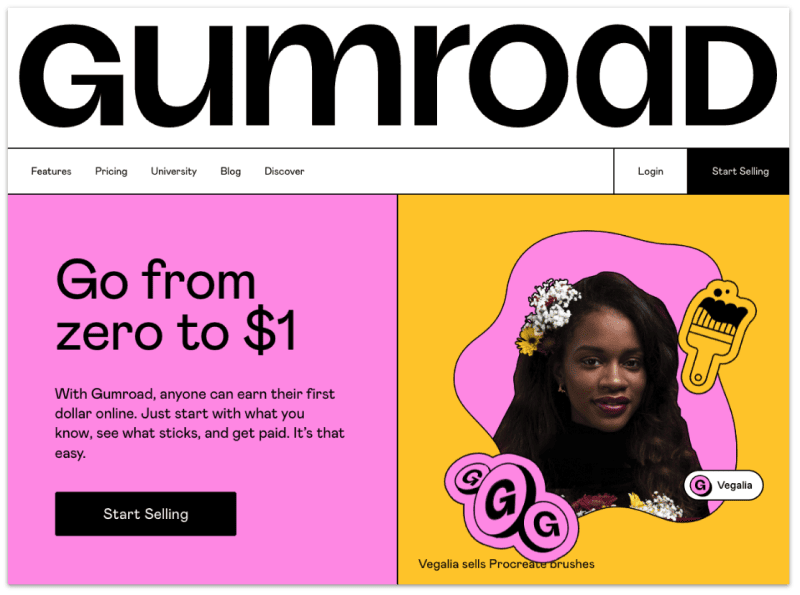
Gumroad is an all-in-one eCommerce platform that allows creators to sell any digital product online.
When you sign up for Gumroad (free) and upload your products, you'll get a dedicated website that you can customize. If you plan to build a brand around your store, you can also link up a custom domain.
On Gumroad, you can sell a variety of digital products, including but not limited to:
One nifty feature that Gumroad offers (that others don't) is the ability to sell variations of a digital product.
For example, you can sell multiple formats of the same product (i.e. a video in 1080p, 720p, and 360p resolutions).
You can even structure a digital product in multiple tiers, where each tier offers a combination of files.
You can also sell creative files with different license levels.
In short, you stand to make more revenue as a creator by offering different variations of a digital product to various customers.
Gumroad pays its creators every Friday via direct Deposit, debit card or PayPal.
The only requisite is you need to have at least $10 USD in your Gumroad account balance.
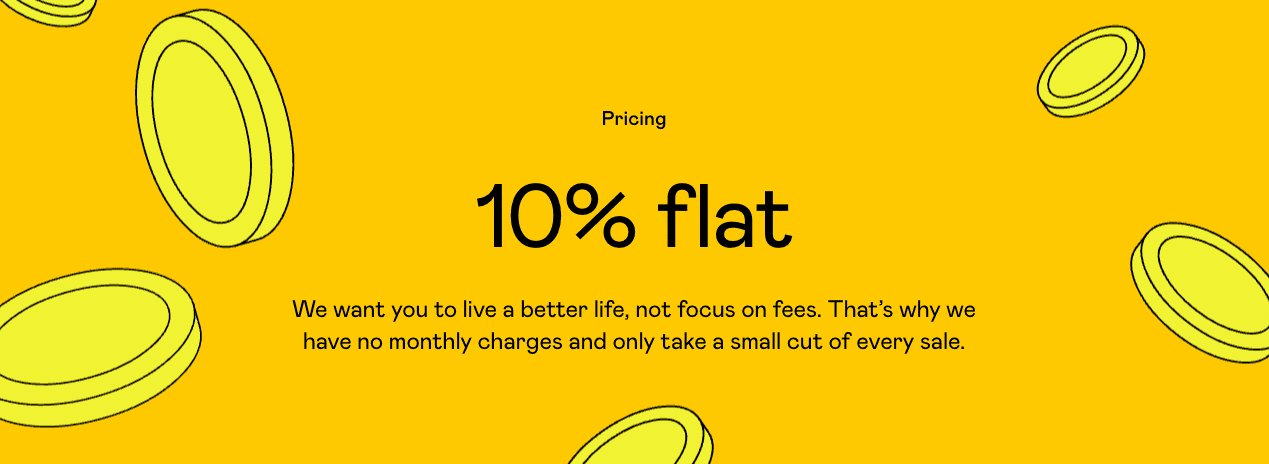
Gumroad charges a flat 10% fee on all product sales.
David Nge is the founder and writer behind MakingThatWebsite.com. Since launching in 2021, he’s been on a mission to help non-techies—especially small business owners—build better websites using easy-to-learn tools and smart, time-saving strategies. He specializes in website builders, SEO, and practical AI tutorials for small business owners.
Have a tutorial you want to learn? Leave a suggestion here.